 beveled
App Store screenshot generator
Design one App Store screenshot, add every screen of your app to the set, give each its own headline, and export the whole listing at the exact store size in one ZIP.
Free · no account · no watermark · runs in your browser
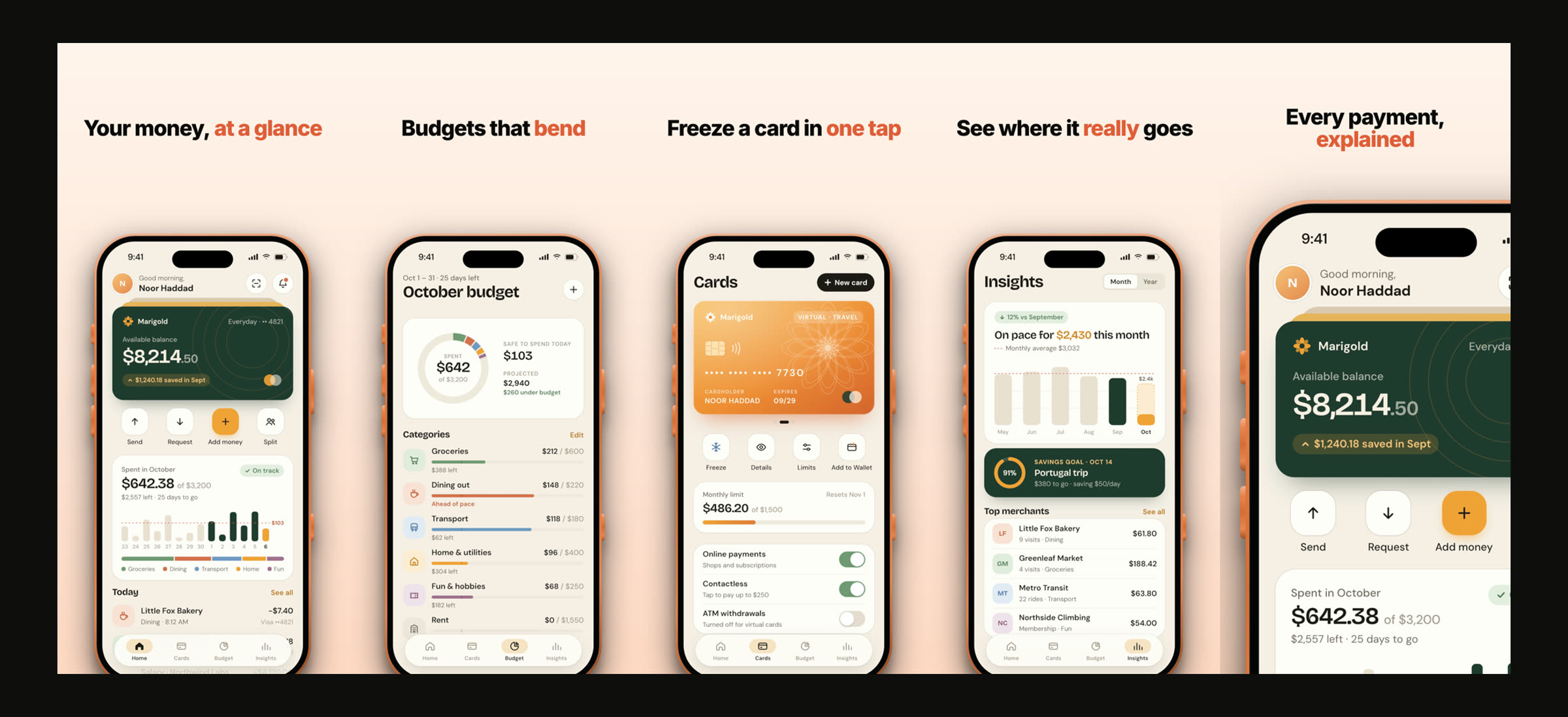
One design, every screen
Sets share one layout. Change the background or font once and every screen follows; each keeps its own headline.
The sizes the stores ask for
iPhone 6.9″ and 6.5″, iPad 13″, Mac, and 9:16 for Google Play, built in.
Headlines that sell
Wrap a word in *stars* to highlight it. Eight type pairings, above, below or beside the phone.
Templates to start from
Warm, Midnight, Editorial, Mint and more App Store layouts, with real device frames.
Store sizes built in
| Store size | Pixels | Use for |
|---|---|---|
| iPhone 6.9″ | 1320 × 2868 | App Store, required for iPhone apps |
| iPhone 6.5″ | 1284 × 2778 | App Store, older-iPhone set |
| iPad 13″ | 2064 × 2752 | App Store, iPad apps |
| Mac | 2880 × 1800 | Mac App Store |
| Phone 9:16 | 1080 × 1920 | Google Play phone screenshots |
Store requirements change; check App Store Connect and the Play Console before you submit.
Made in Beveled
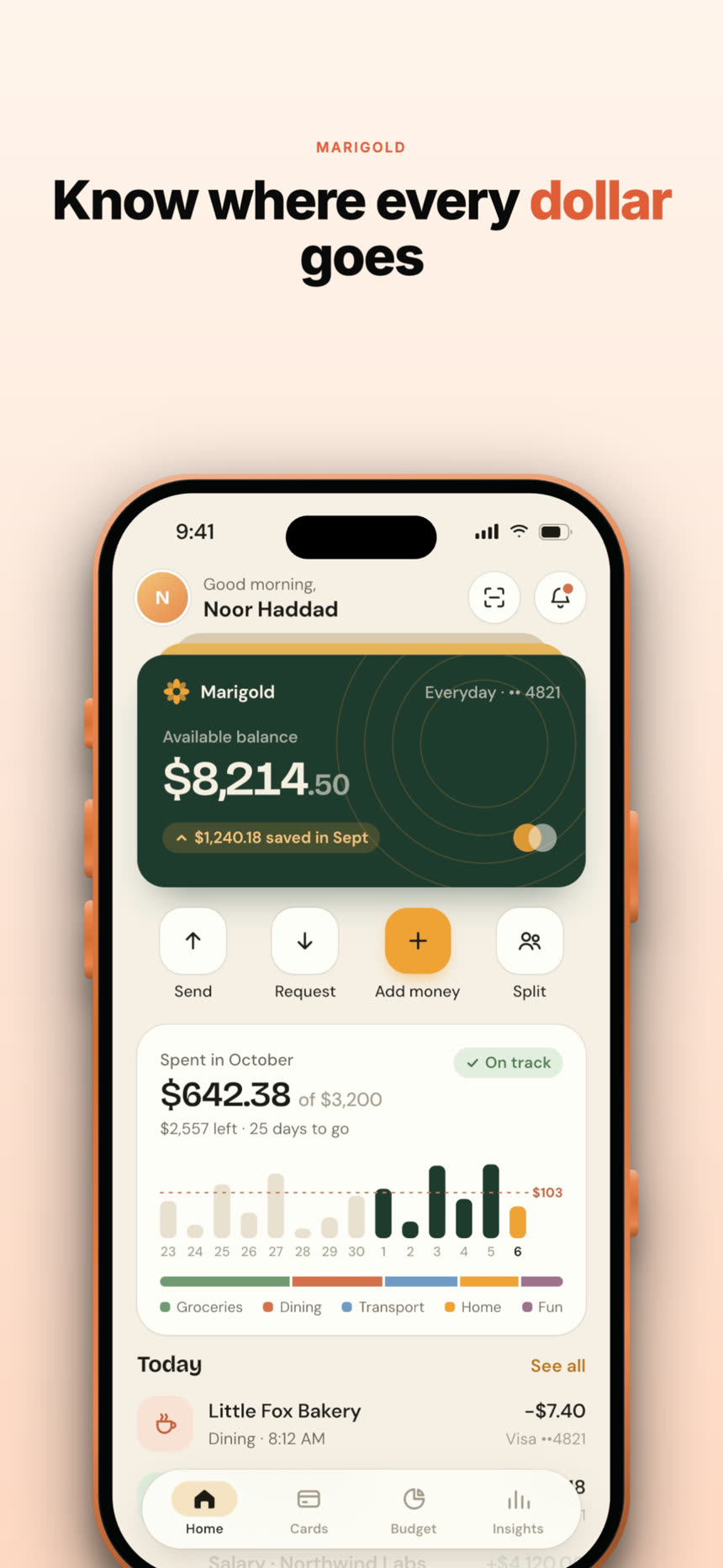
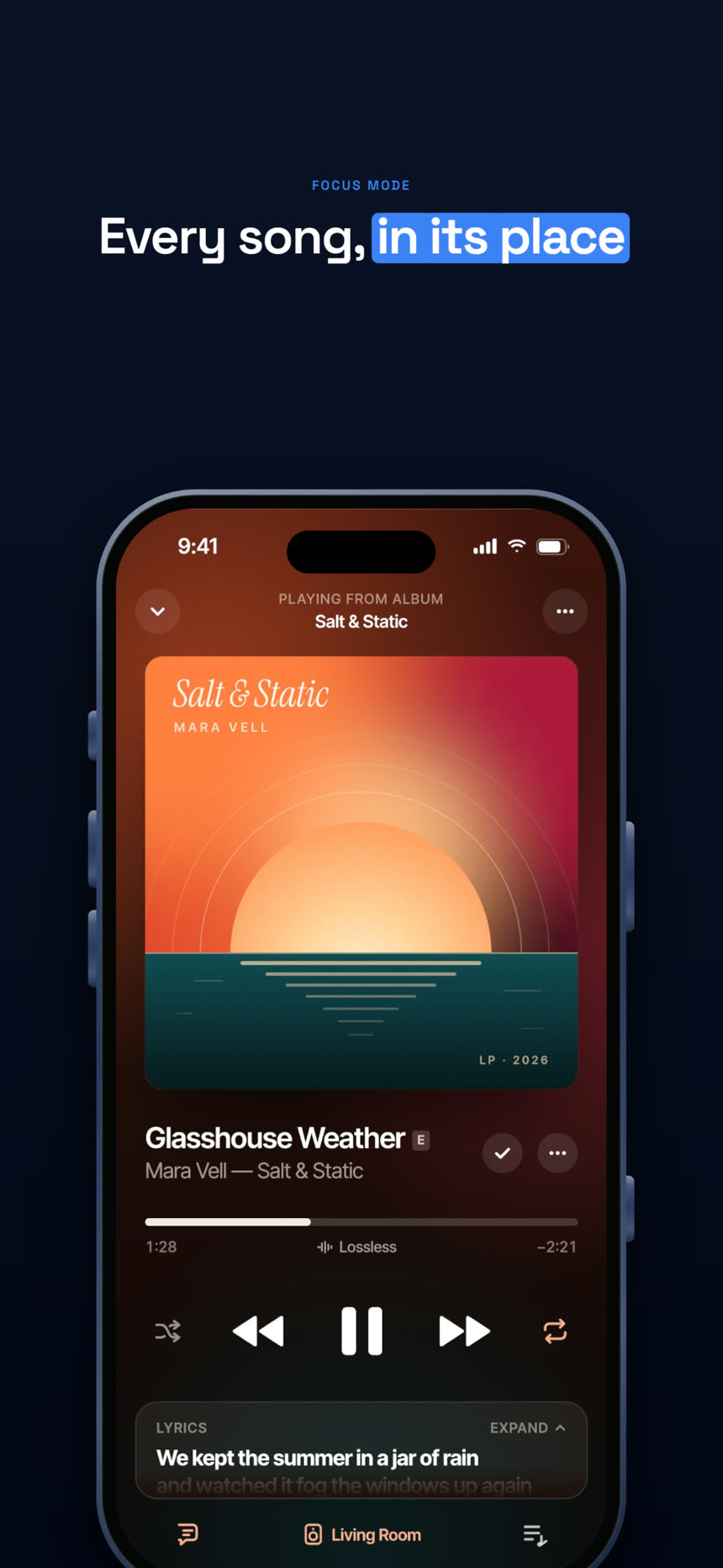
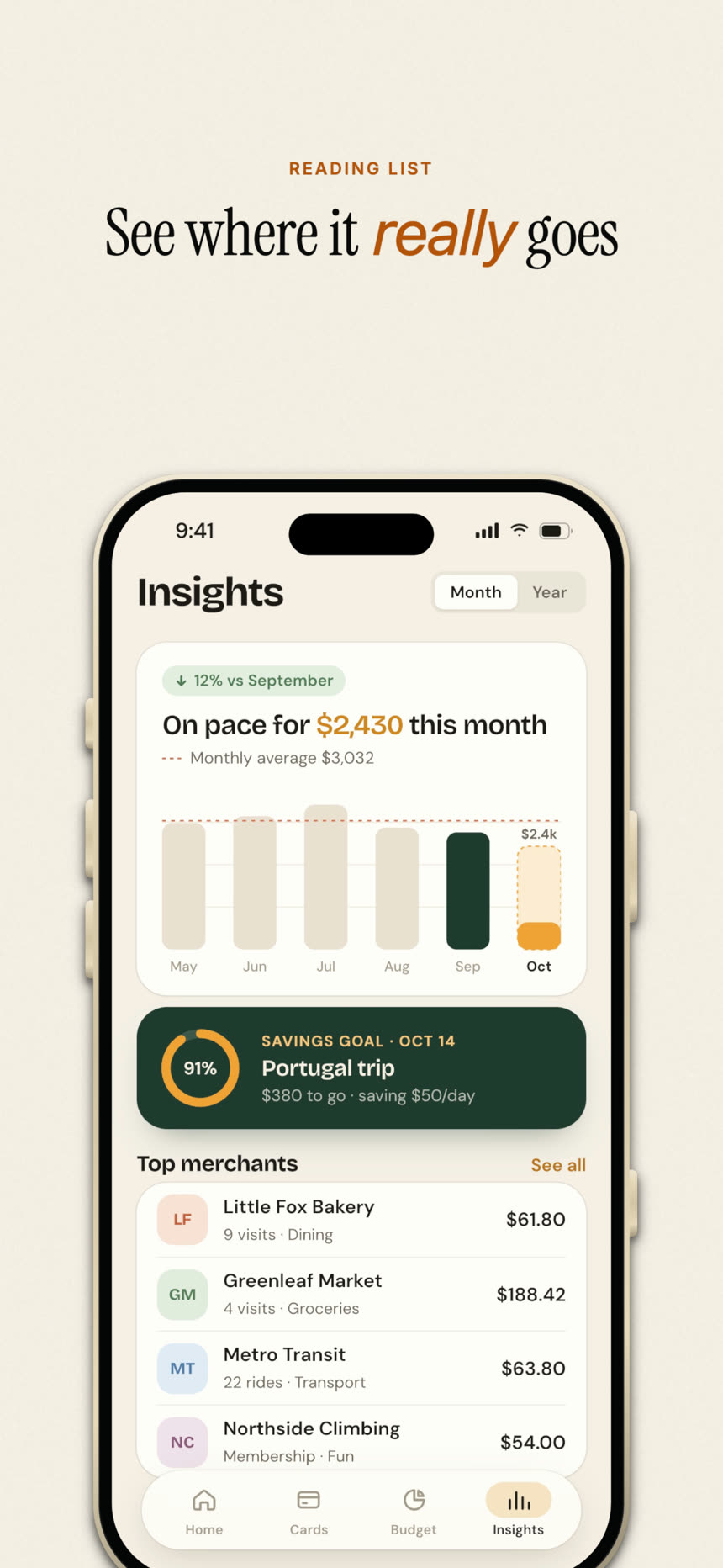
How it works
- 1
Pick a template
Start from an App Store layout, or build your own frame, device and type.
- 2
Add your screens
Drop all your screenshots into the Set tab and write a headline for each.
- 3
Export the set
One click exports every screen at the store size as a ZIP, ready to upload.
What makes App Store screenshots convert
Most people decide from the first two or three screenshots, often without reading the description. Lead with the outcome your app gives, not the feature list, and keep each headline short enough to read at thumbnail size: two to six words.
Keep the design consistent across the set so the listing reads as one story, and let the screen inside each device do the explaining. Highlighting one word per headline gives the eye somewhere to land.
Questions
- What size are App Store screenshots in 2026?
- For iPhone, the 6.9″ size is 1320 × 2868 pixels in portrait (1290 × 2796 is also accepted). The 6.5″ size is 1284 × 2778. iPad 13″ is 2064 × 2752. Check App Store Connect for the current list before you upload.
- How many screenshots can I upload?
- The App Store accepts up to ten per device size. Beveled sets have no limit, so you can make all ten.
- Can I make Google Play screenshots too?
- Yes. Use a 9:16 frame such as 1080 × 1920 and an Android device like the Pixel 10 Pro or Galaxy S25 Ultra.
- Can I make the set in other languages?
- Yes. Change the headlines and export again; every screen keeps the same design. Save the project file once per language to keep them.
- Is it really free?
- Yes. Every device, template and export size is free, with no watermark and no account. Everything renders in your own browser, so screenshots never leave your computer.