 beveled
Animated mockup video maker
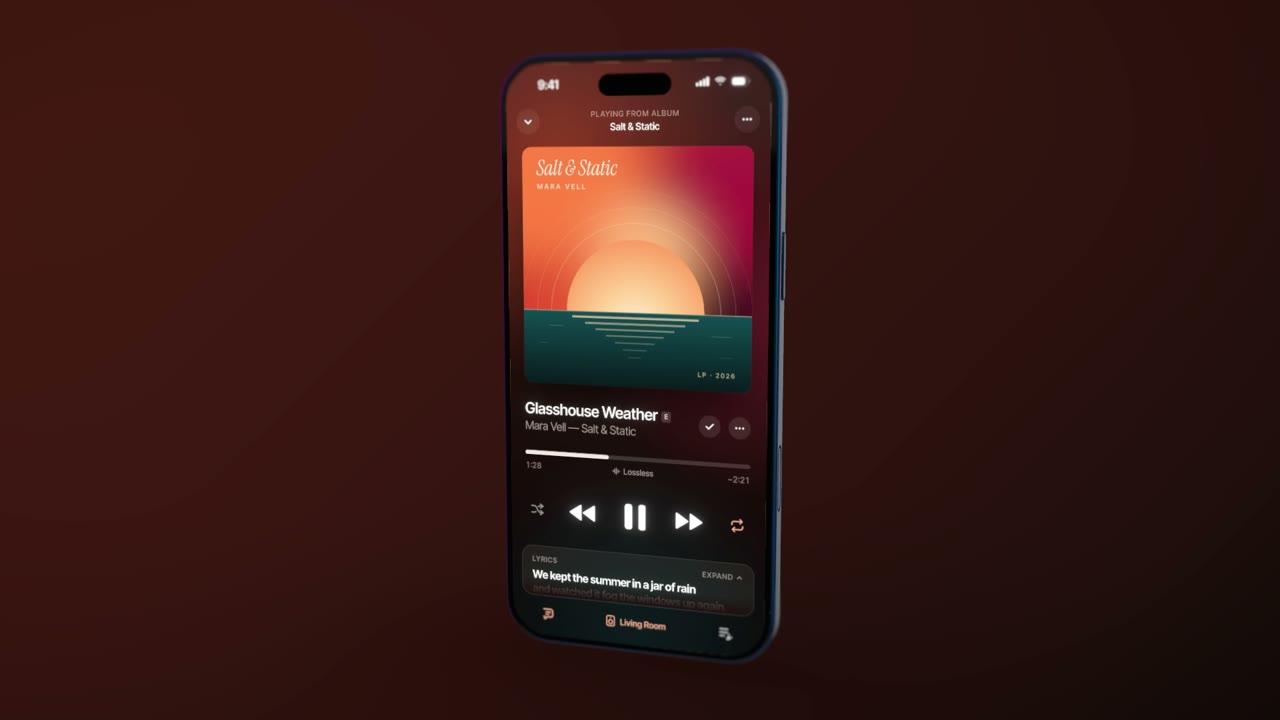
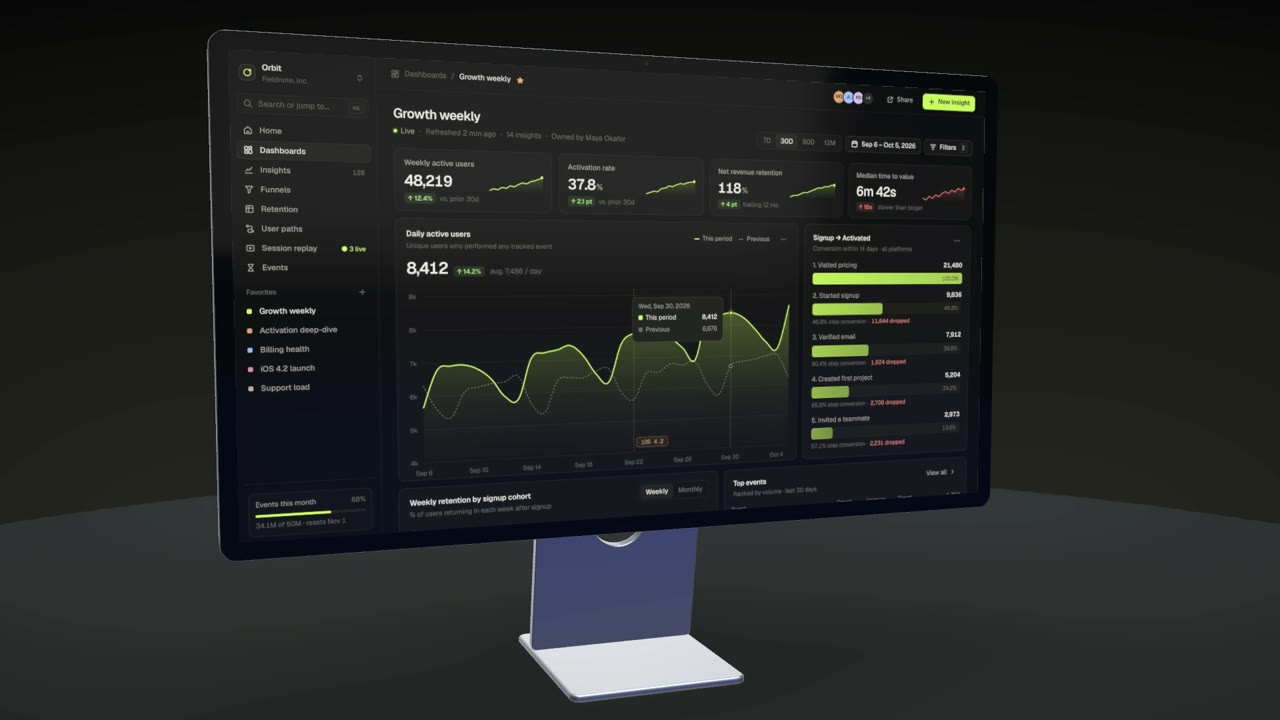
Make a launch or promo video from a screenshot or screen recording: a camera that glides around the device, titles, your logo and music, rendered frame by frame.
Free · no account · no watermark · runs in your browser
Auto-motion
Draw boxes over the parts of your screen that matter and Beveled writes the camera move that pushes in on each one.
A real timeline
Shots, text cards and logo cards, with fades between them, keyframes for every value and easing curves.
Animated templates
Product launch, app showcase, feature tour and more, ready to take your screen.
Clean exports
MP4 or WebM up to 4K at 60 fps, frame-accurate, with motion blur, a music track and transparent WebM.
Made in Beveled
How it works
- 1
Bring a screen
A screenshot, a long page that scrolls, or a screen recording.
- 2
Add motion
Start from an animated template, use auto-motion, or keyframe the camera yourself.
- 3
Render
Export MP4 or WebM. The render is frame by frame, so nothing stutters.
Questions
- Can I use a screen recording instead of a screenshot?
- Yes. Drop an MP4, WebM or MOV and it plays on the device’s screen in the video.
- Can I add music?
- Yes, add an audio track in the 3D studio and it is mixed into the MP4.
- Is there a watermark on videos?
- No. Videos export without a watermark, at any size up to 4K.
- Is it really free?
- Yes. Every device, template and export size is free, with no watermark and no account. Everything renders in your own browser, so screenshots never leave your computer.